
See ExtensionStart running
The demo extension is the kit itself, unmodified; every flow below ships in the repository you get, together with the demo's website.
Screenshots
The extension, surface by surface. Unmodified, before any branding.
In the extension
-
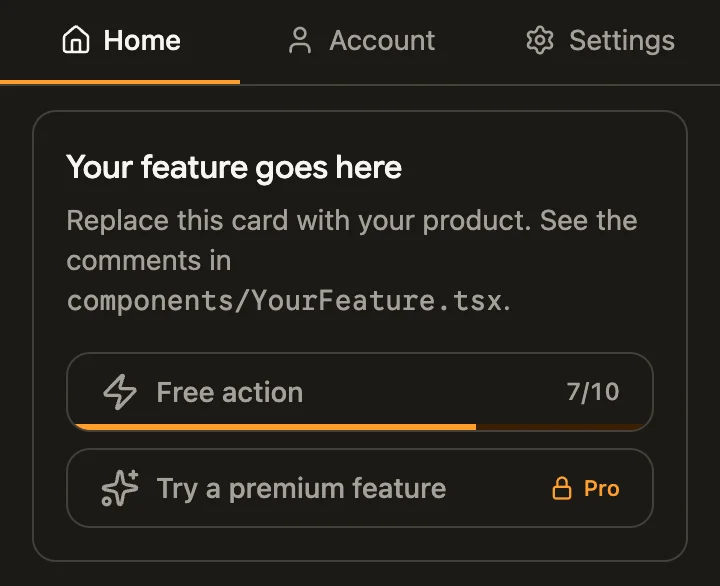
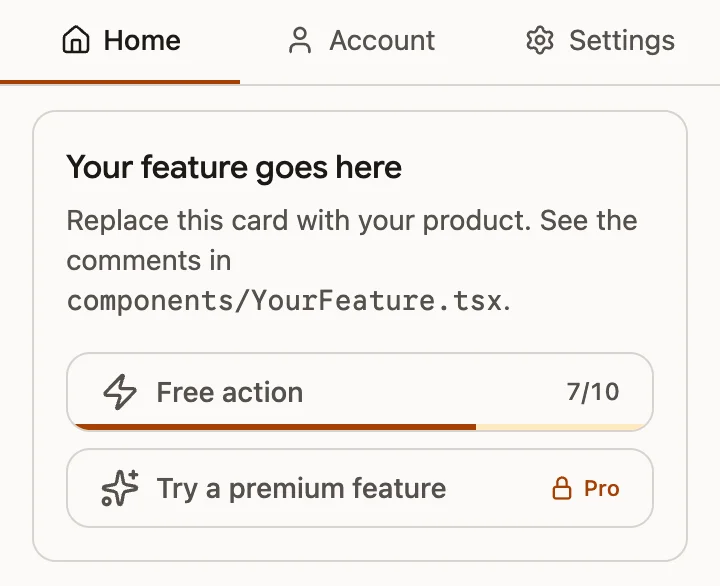
Home
Your feature opens first. The free allowance counts down inside its button, and a Pro action carries its lock.
-
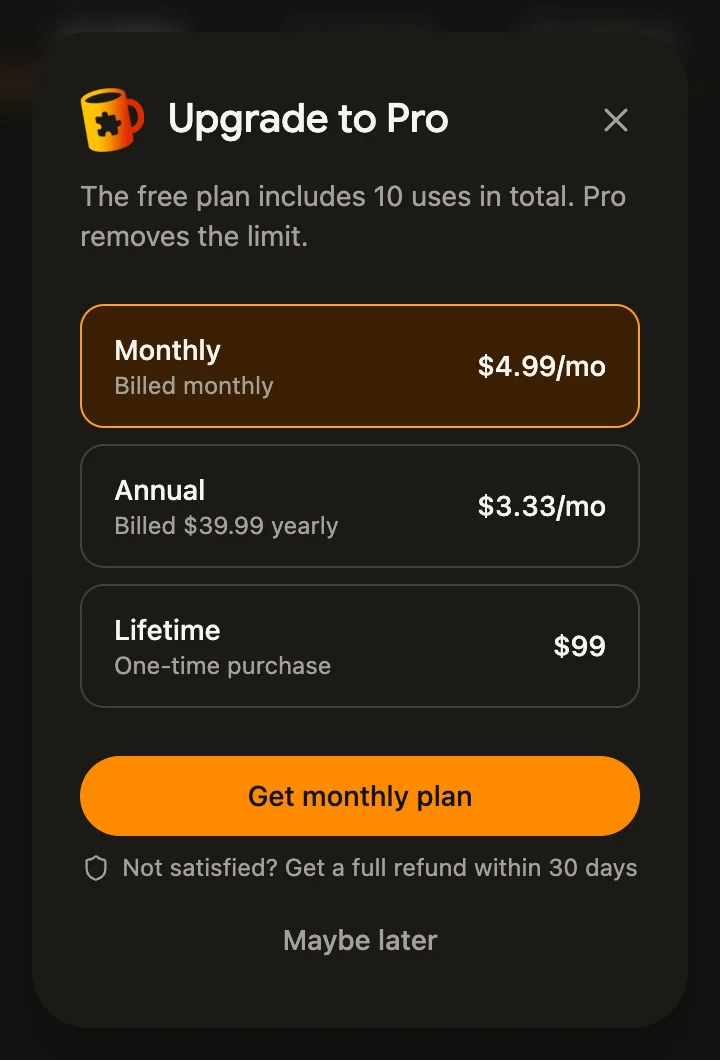
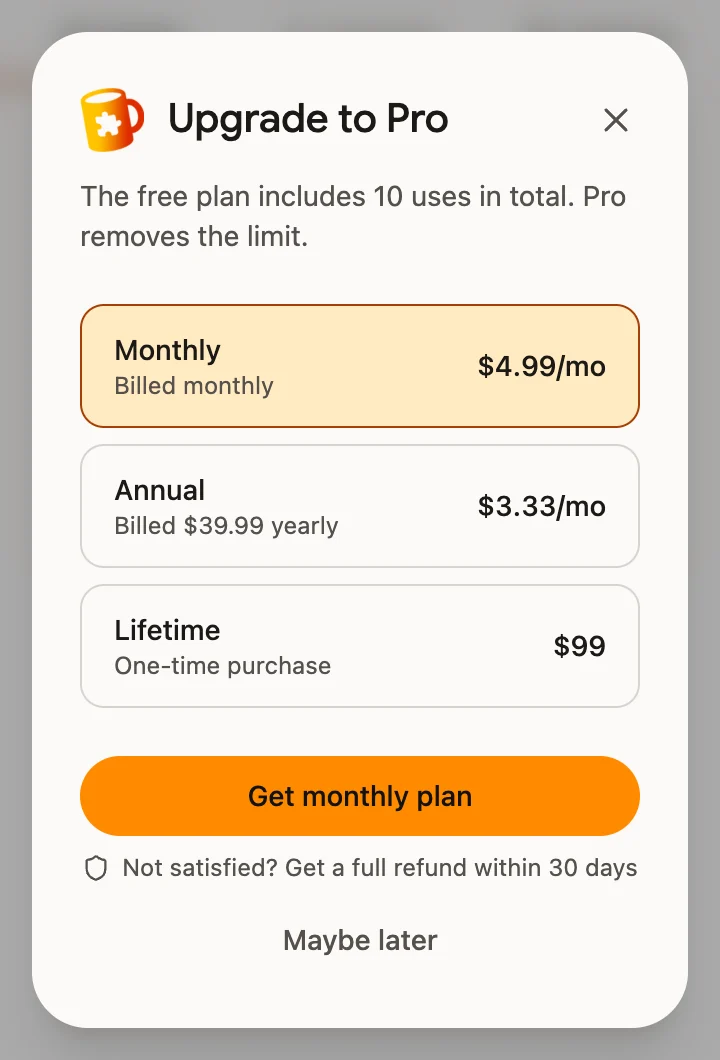
Upgrade
Every paywall opens the plans directly: one line on why, checkout one click away.
-
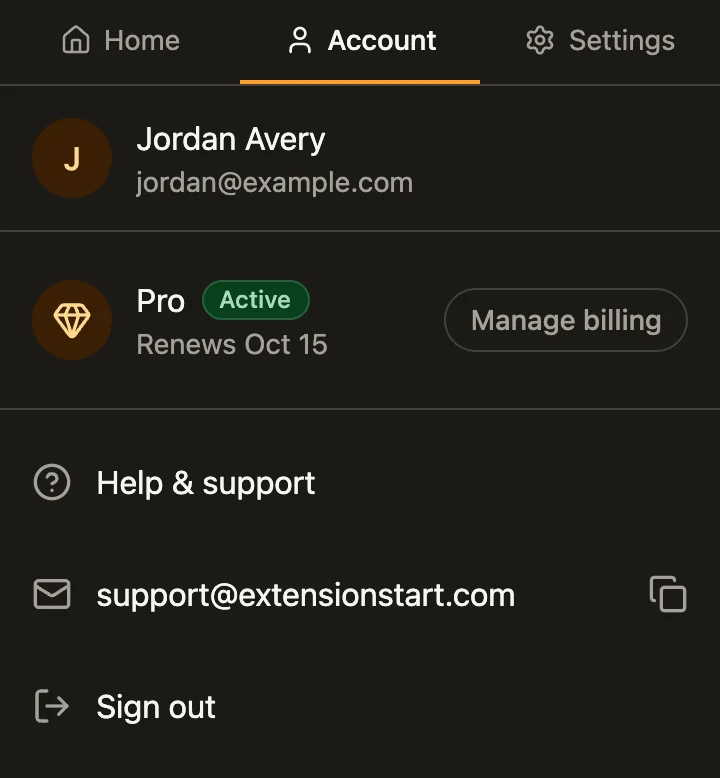
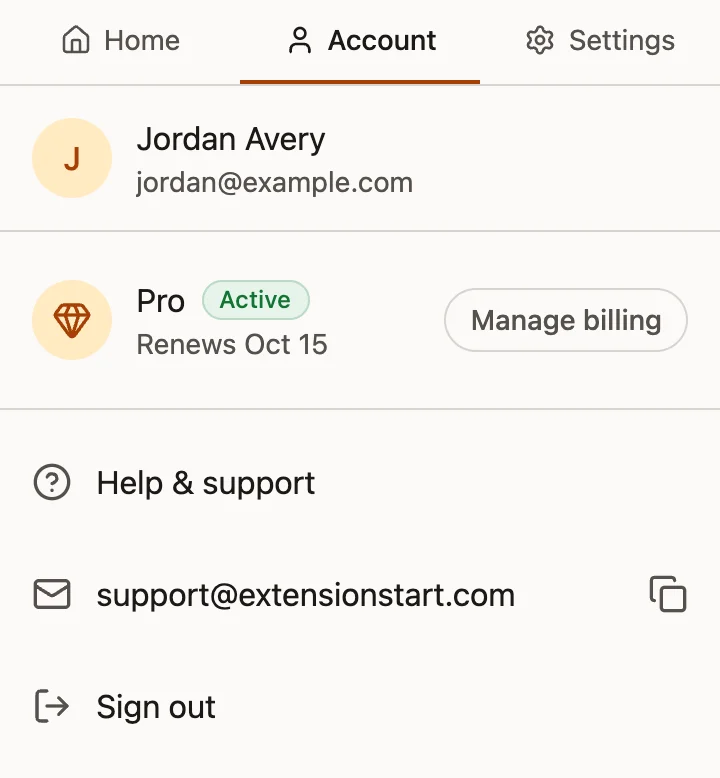
Account
Profile, the plan with its renewal date, and billing in one list.
-
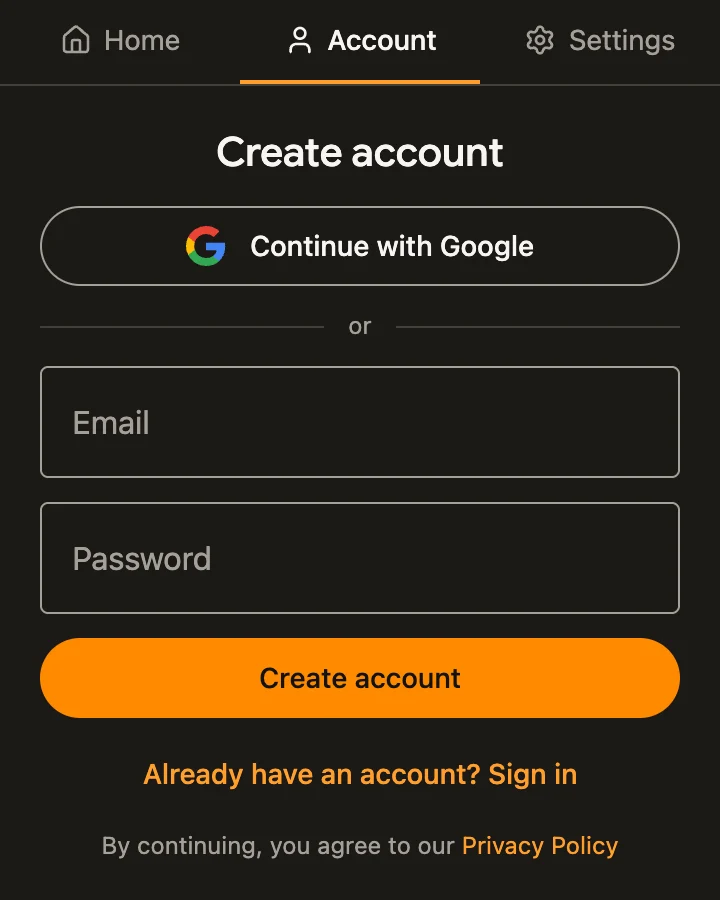
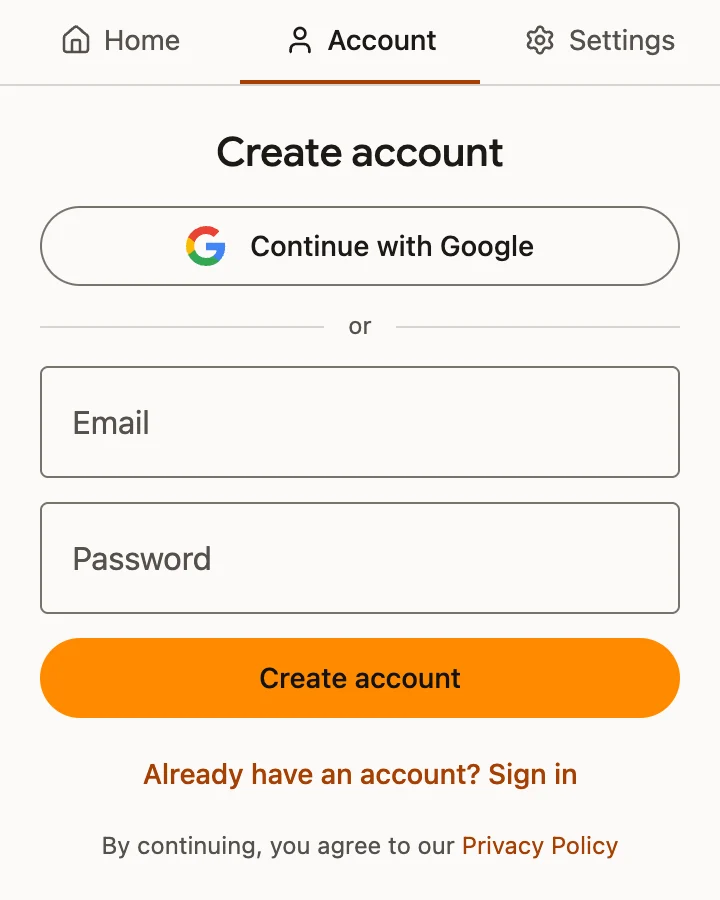
Sign in
Google, or email and password, opening on Create account.
-
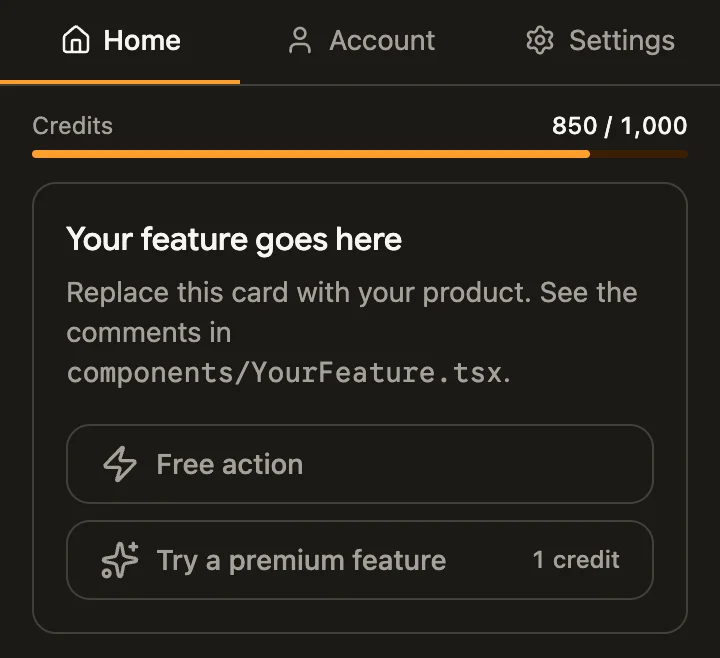
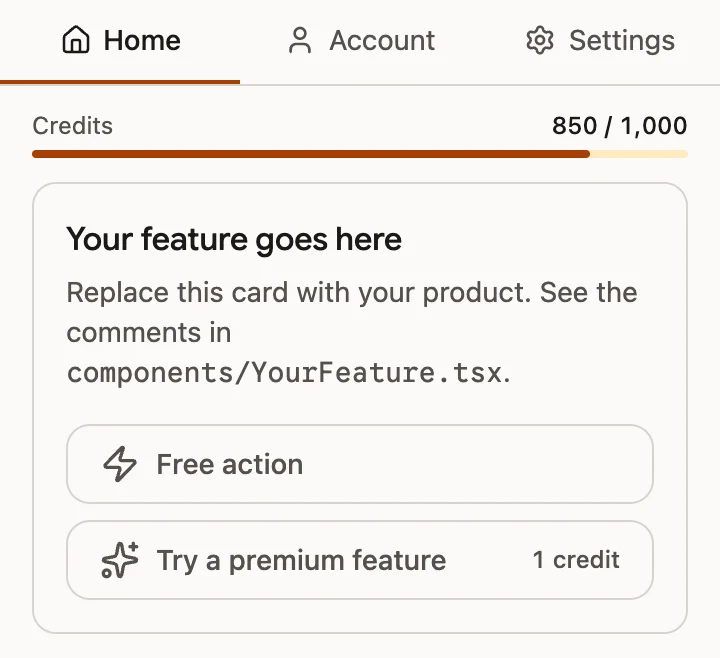
Credits
The monthly balance on Home, and each credit action's cost inside its button.
-
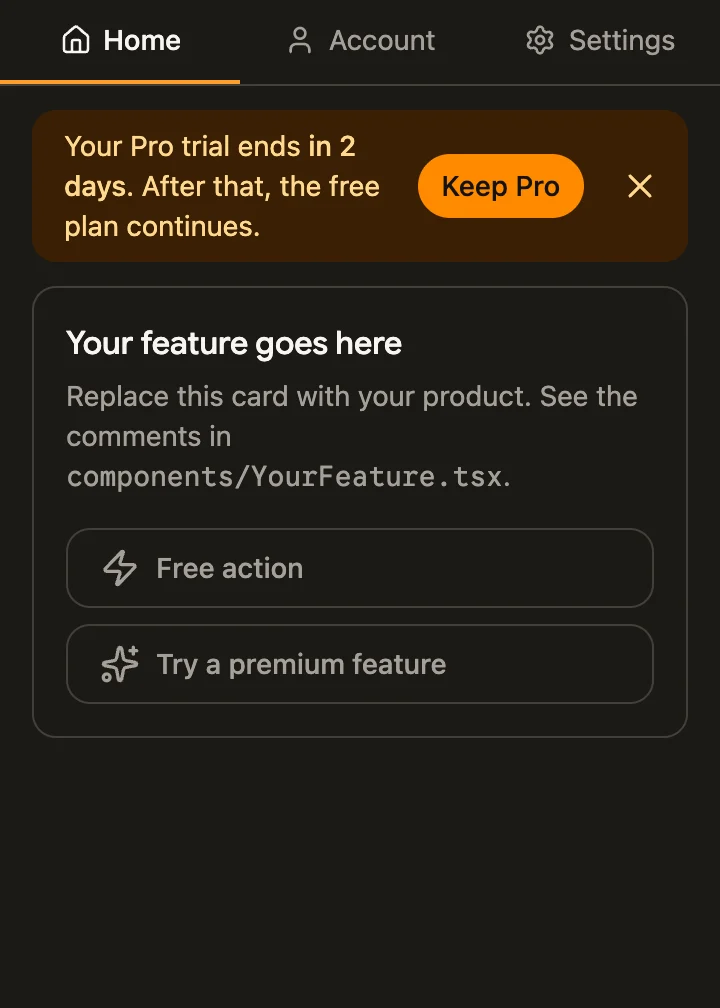
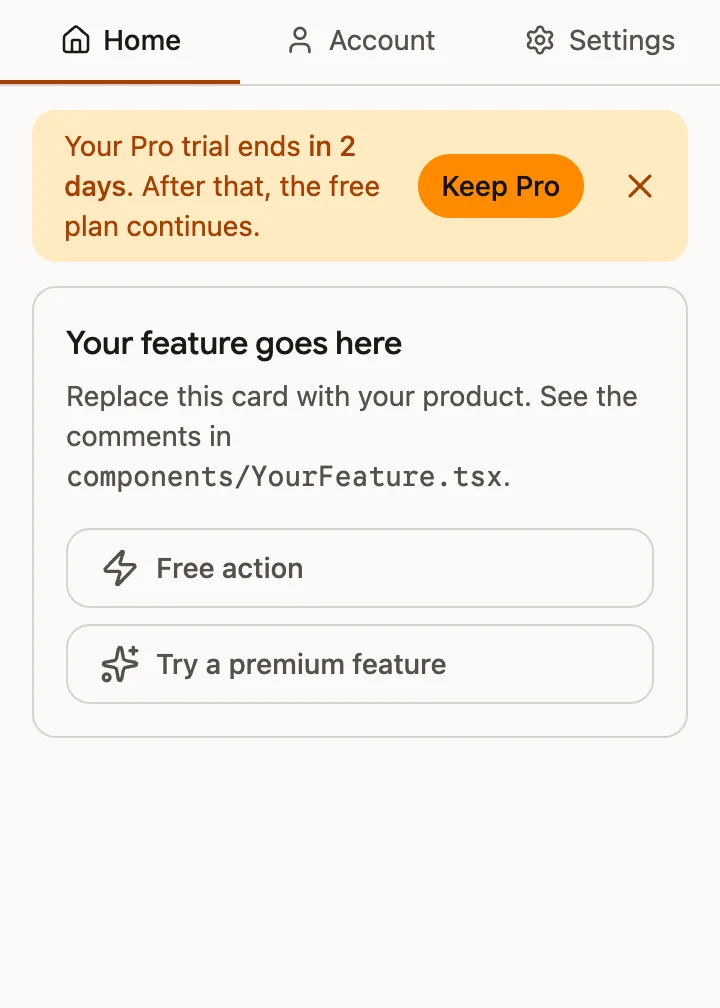
Side panel
The same hub docked beside the page, here in a trial's last days.
On the page and on your website
-
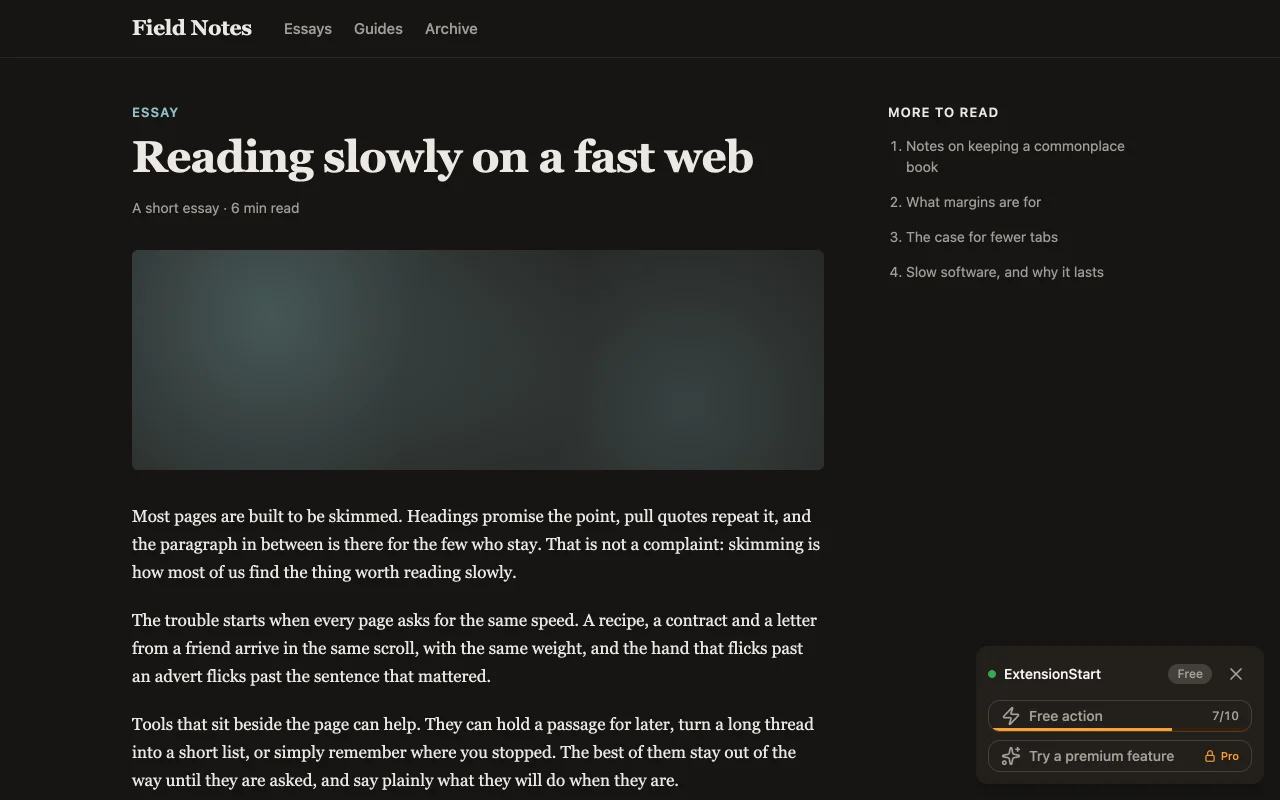
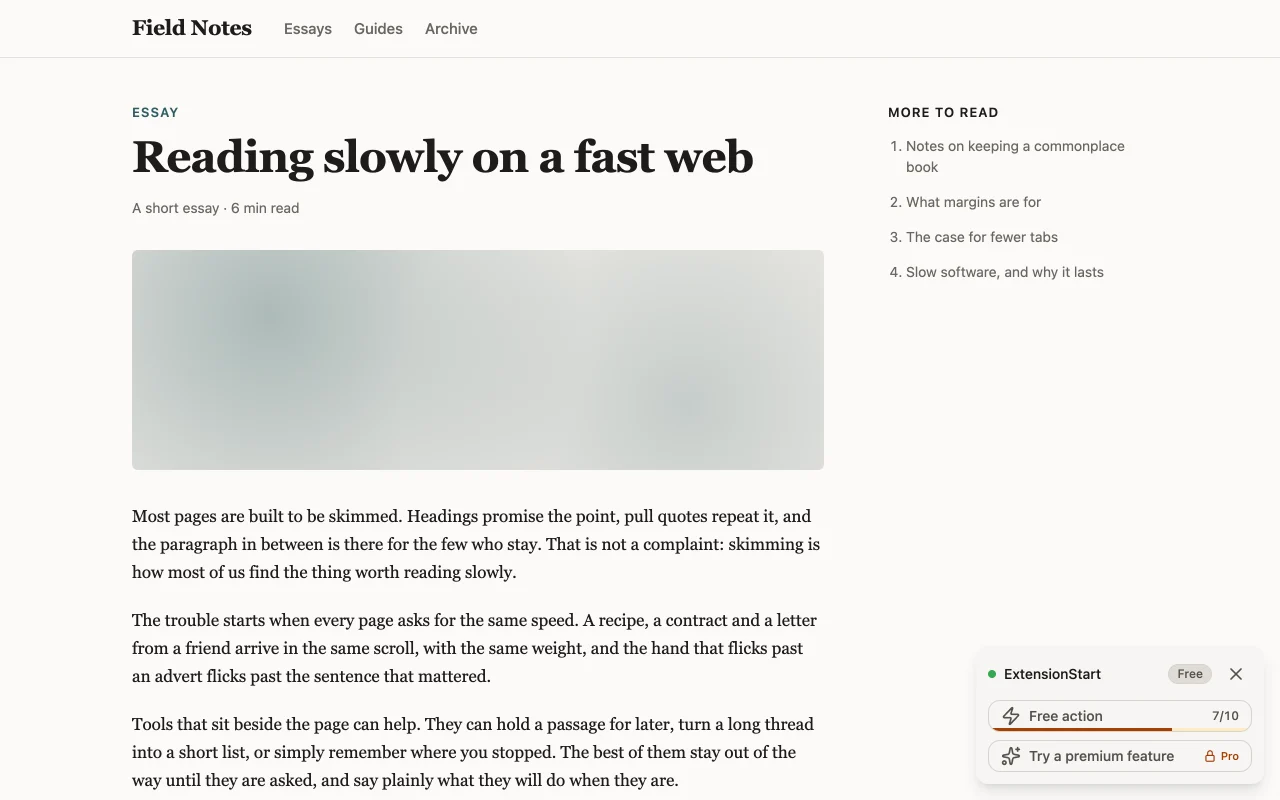
On any page
A card in the page's corner, in its own shadow DOM so the page's CSS cannot restyle it.
-
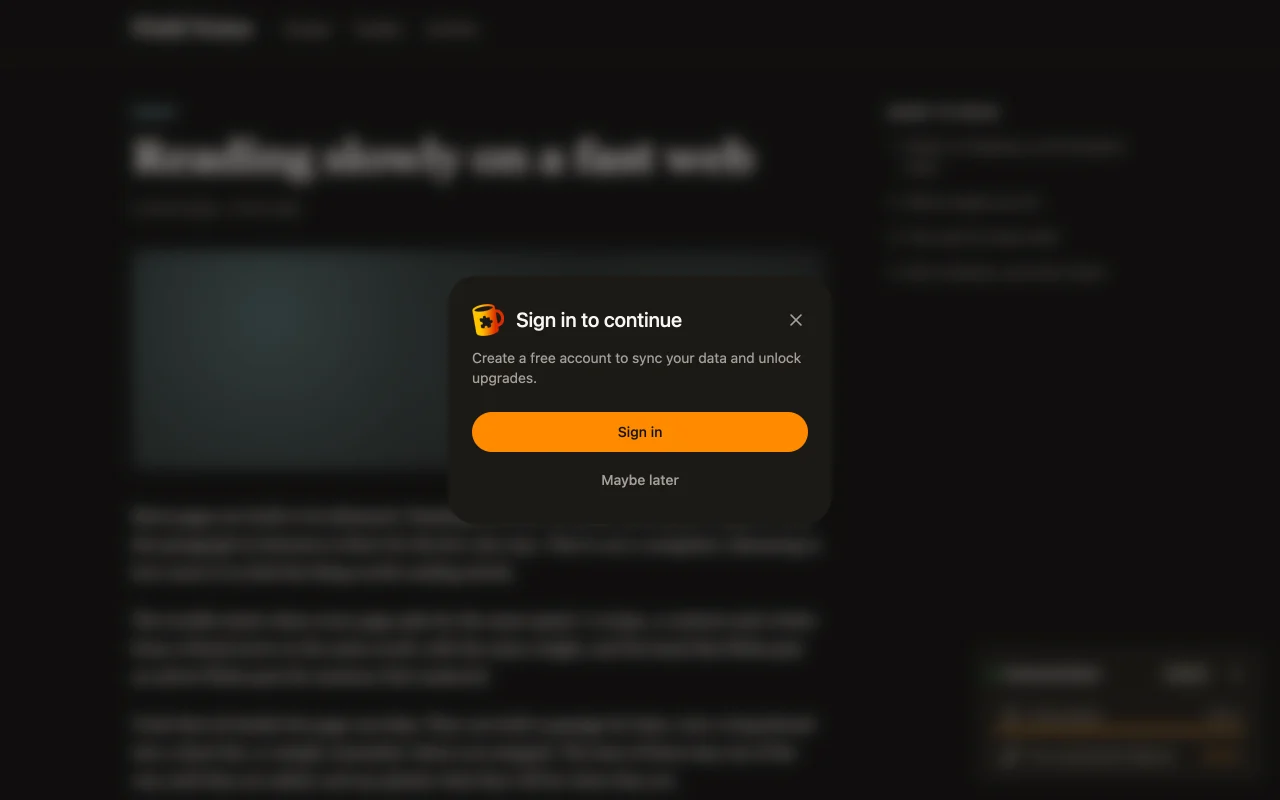
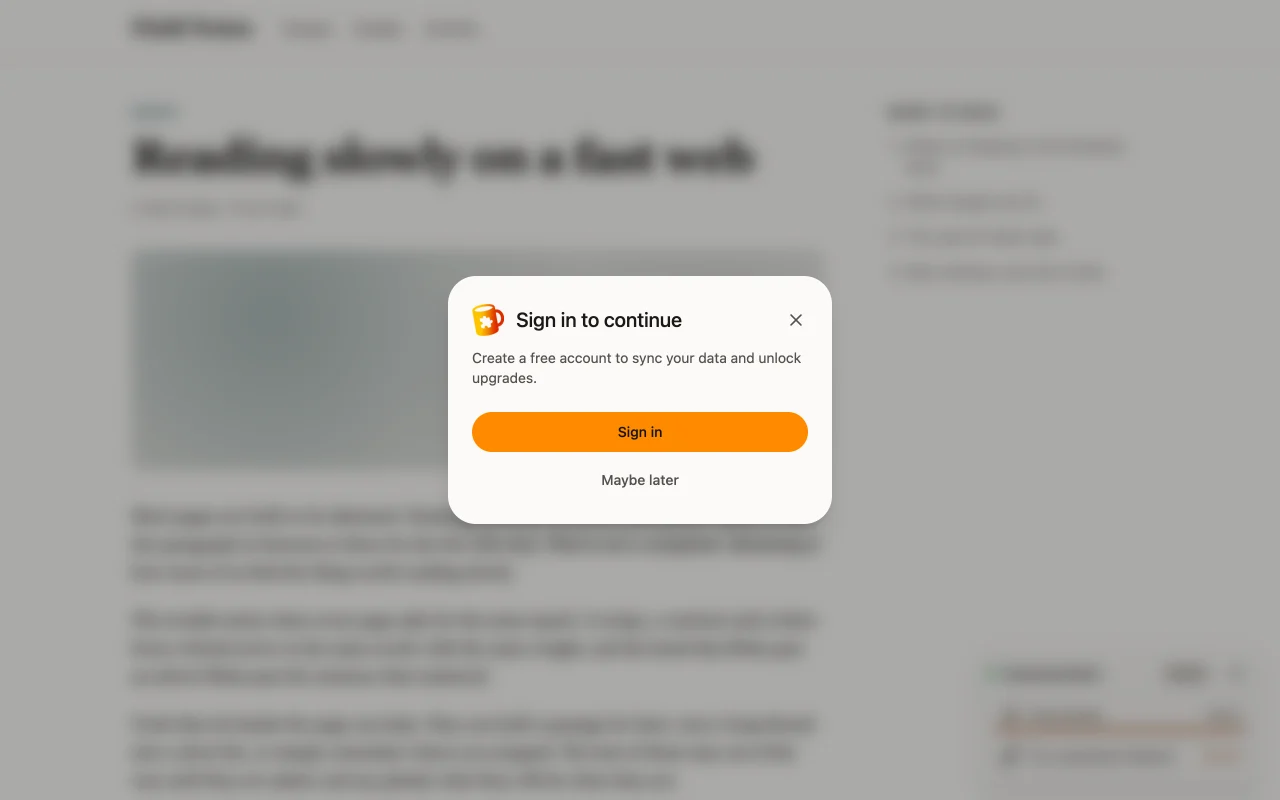
Walls on the page
A locked click on a web page asks for an account first, then shows the plans in place.
-
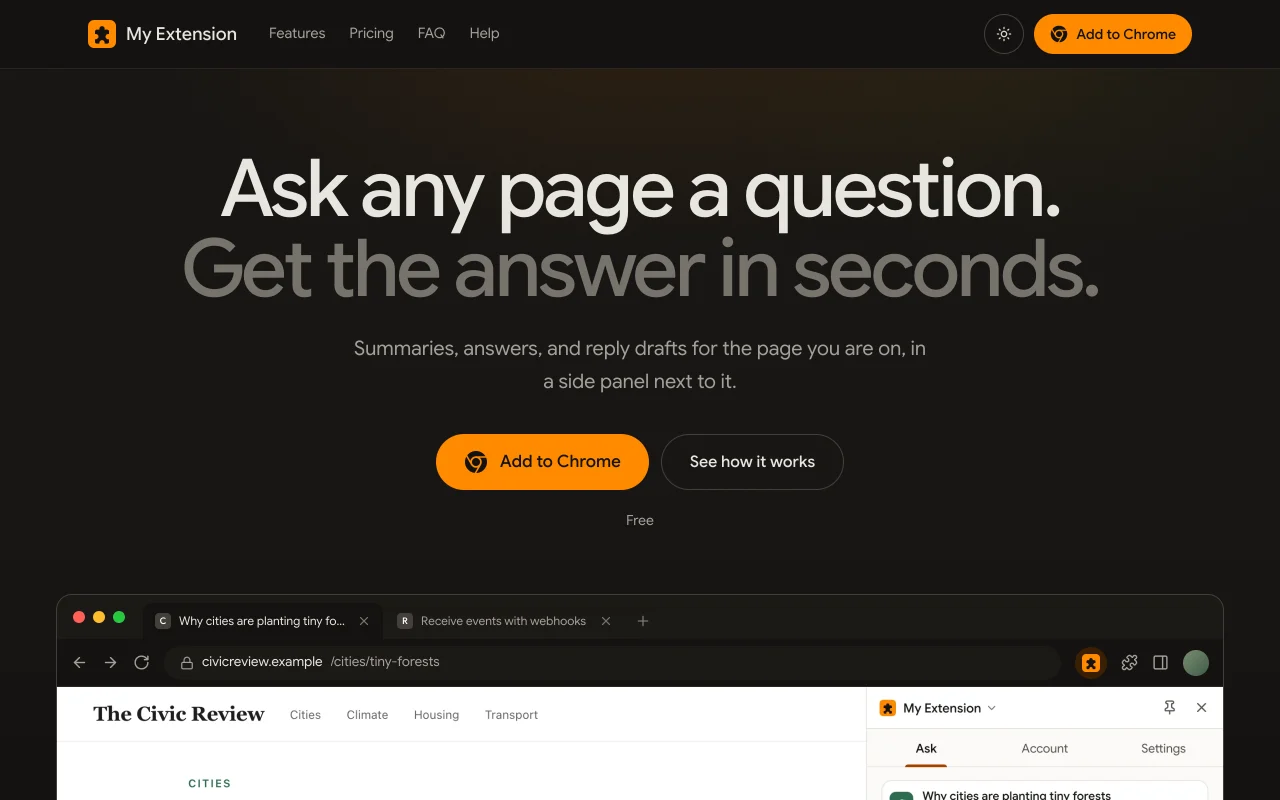
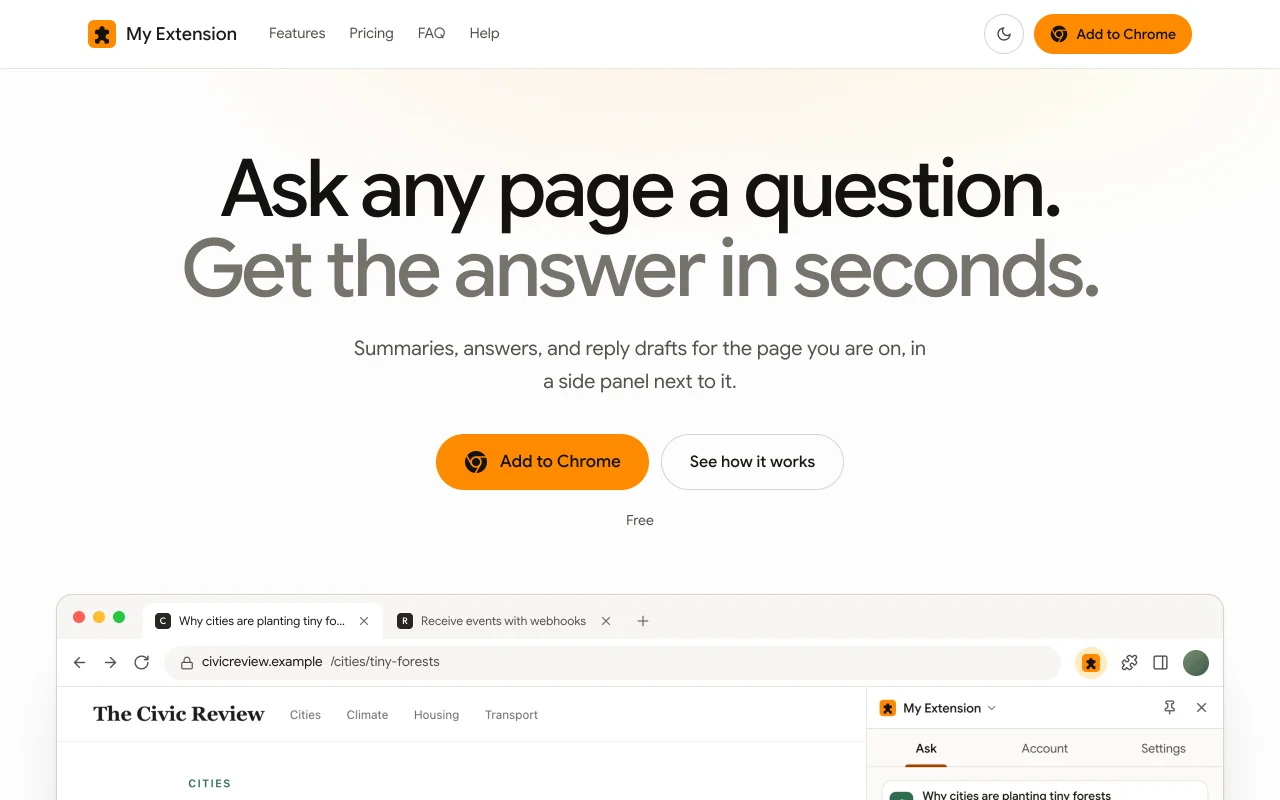
Your website
The landing page template that ships with the kit. Its install buttons go live with your store listing.
-
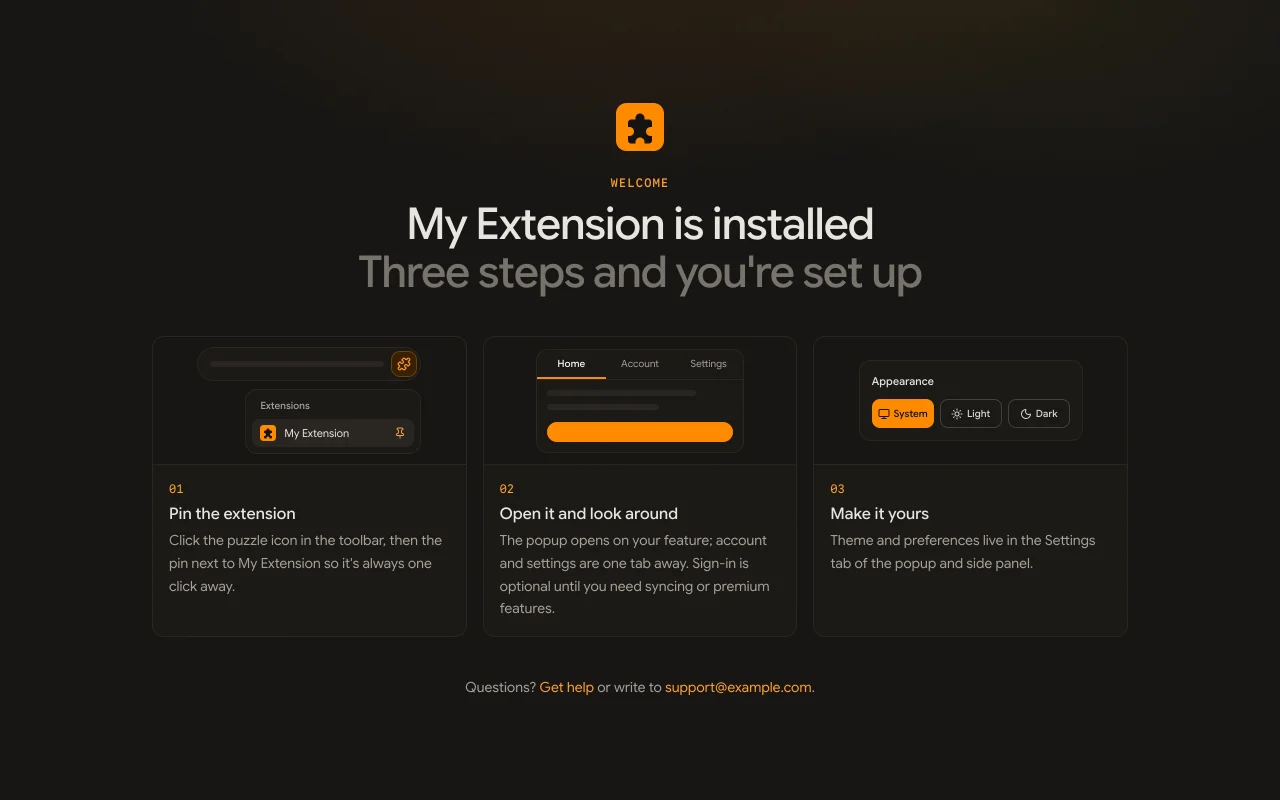
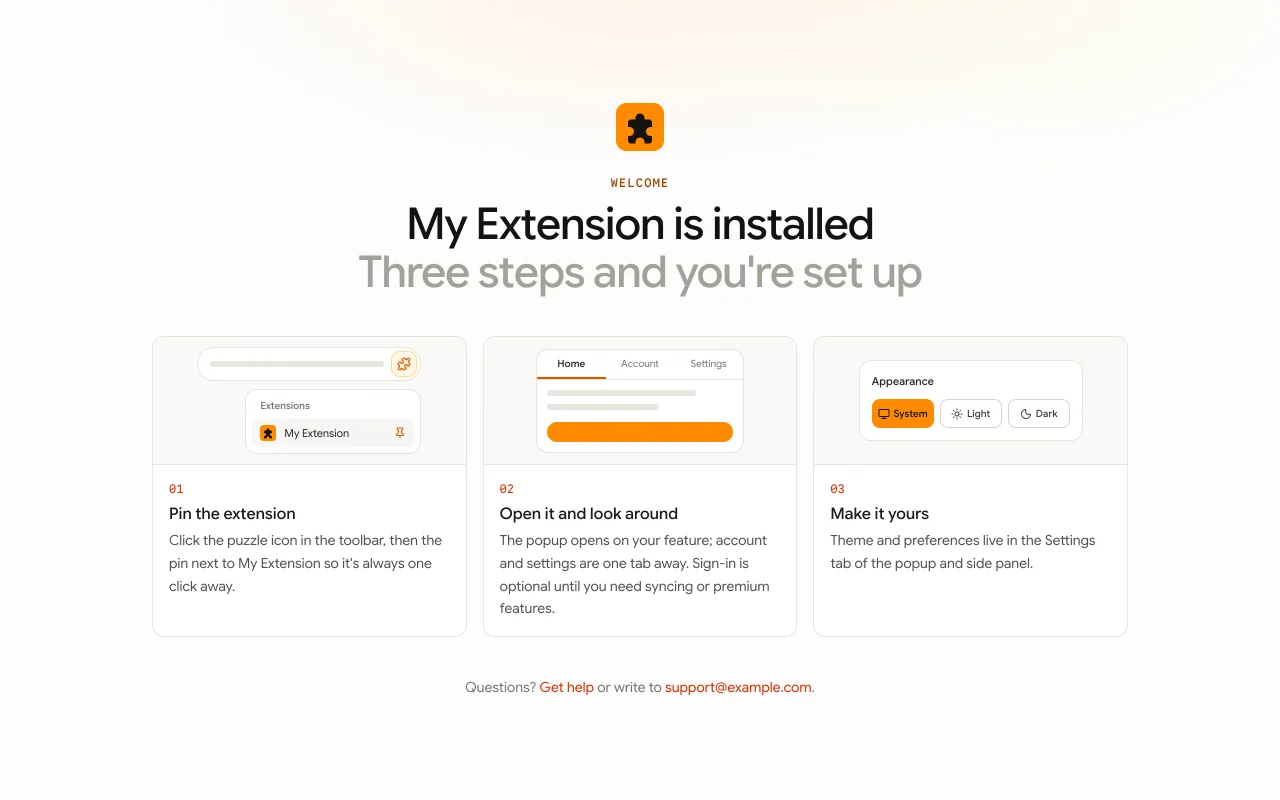
Welcome page
Opened on install, so your site's analytics count installs.
Around checkout and uninstall
-
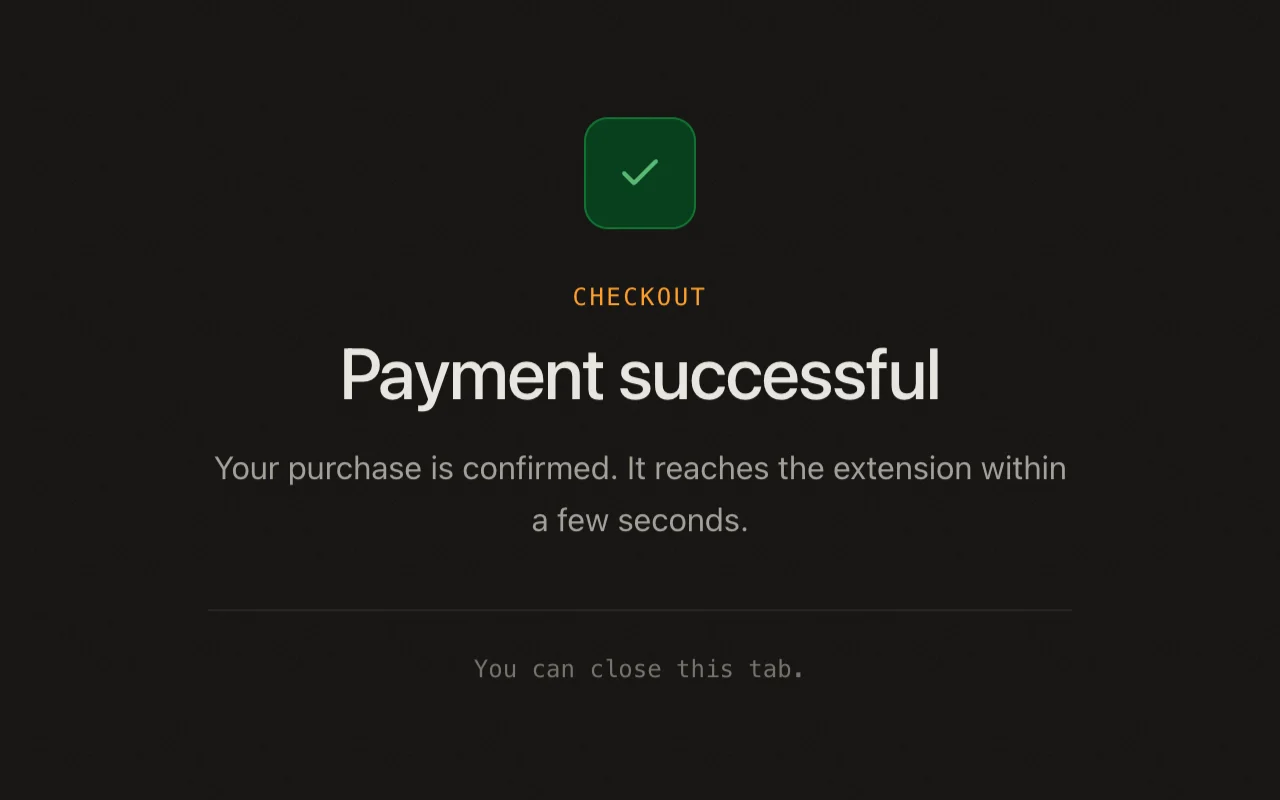
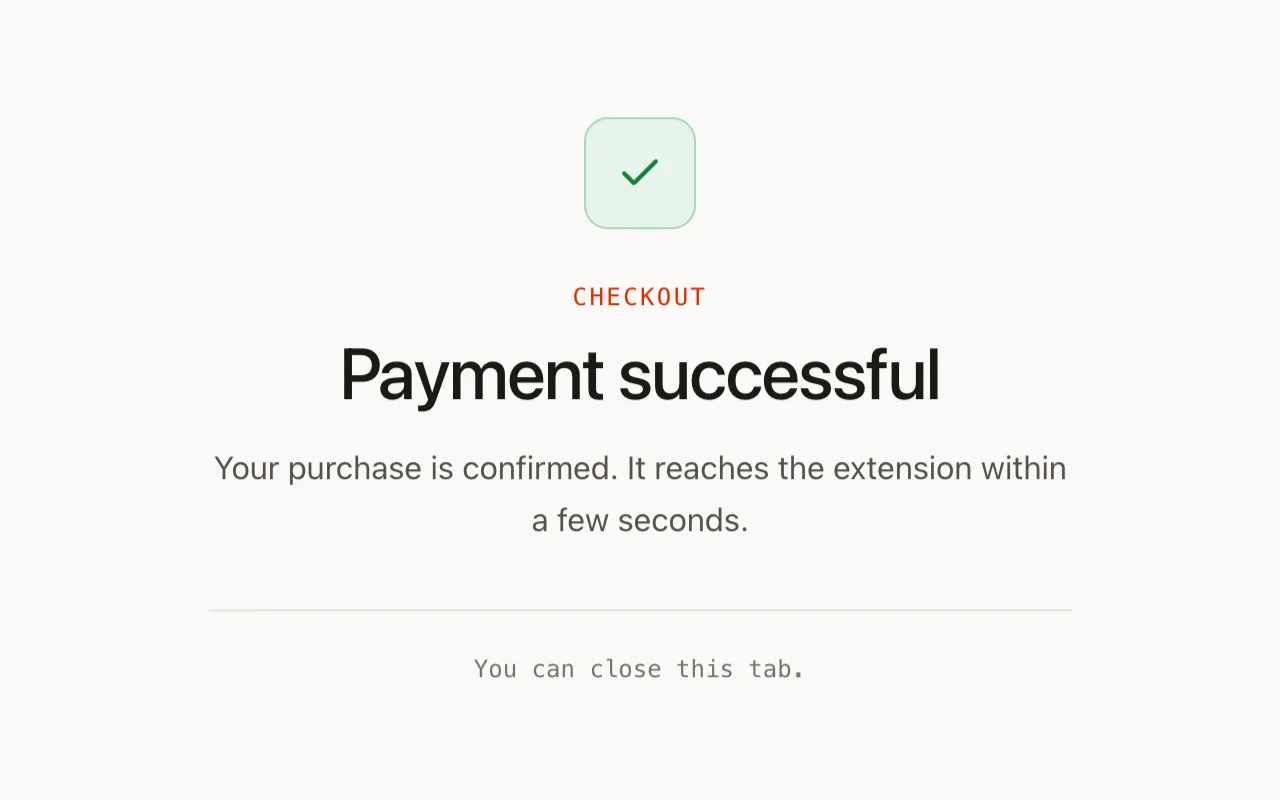
Payment successful
Where checkout returns. The plan reaches the extension within seconds.
-
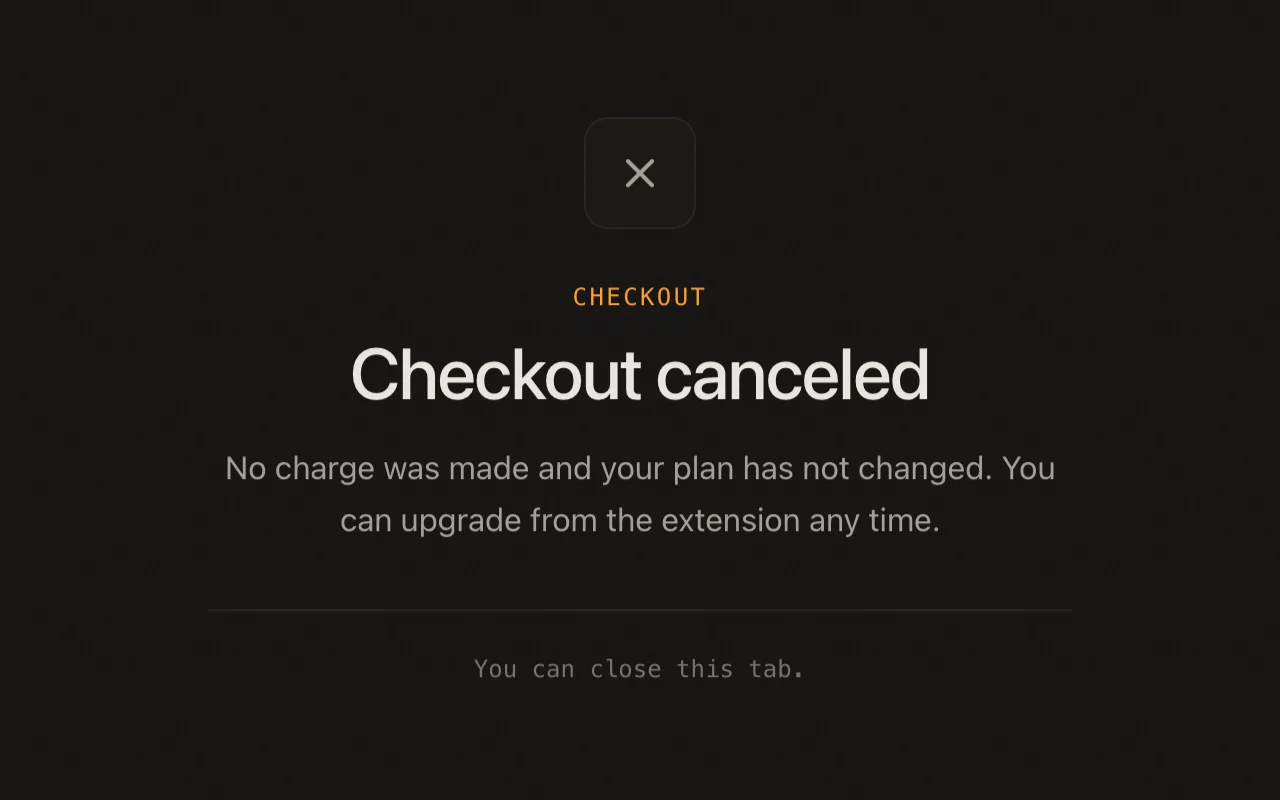
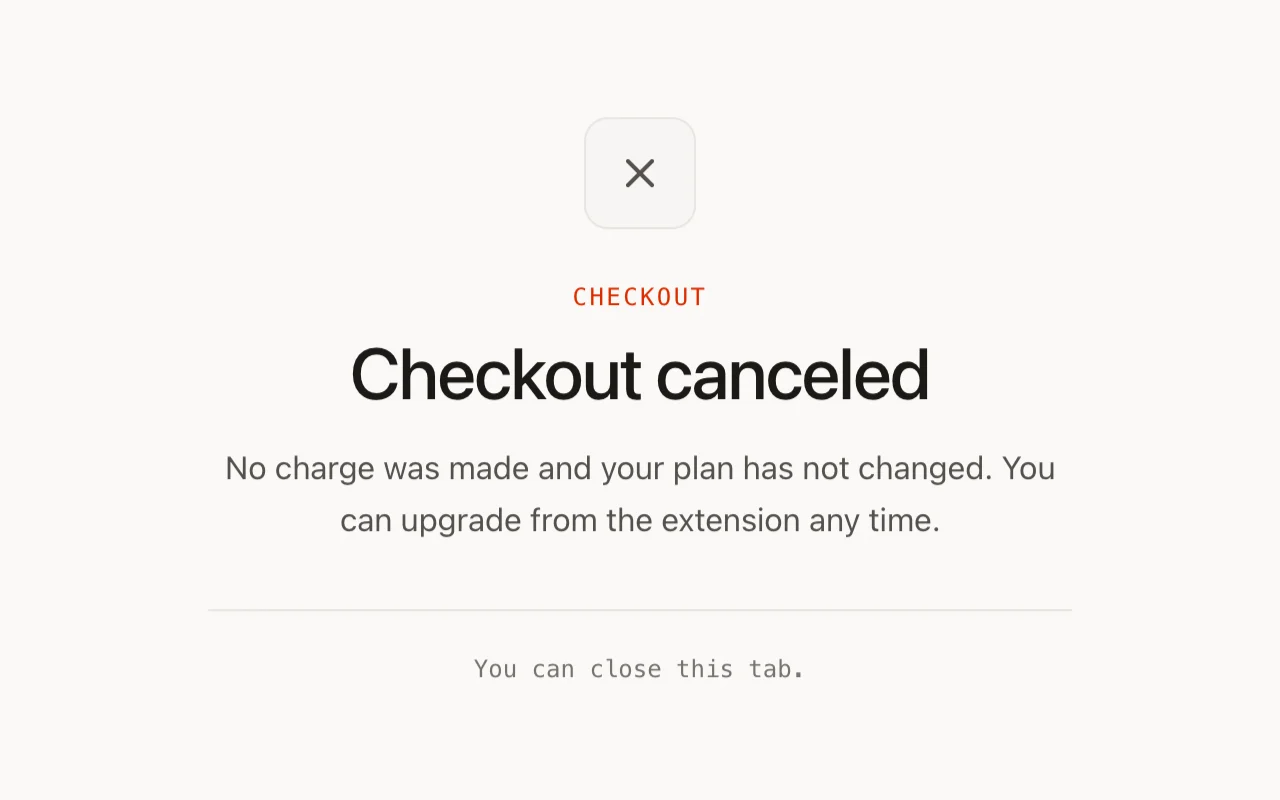
Checkout canceled
No charge, no plan change, and the extension closes this tab too.
-
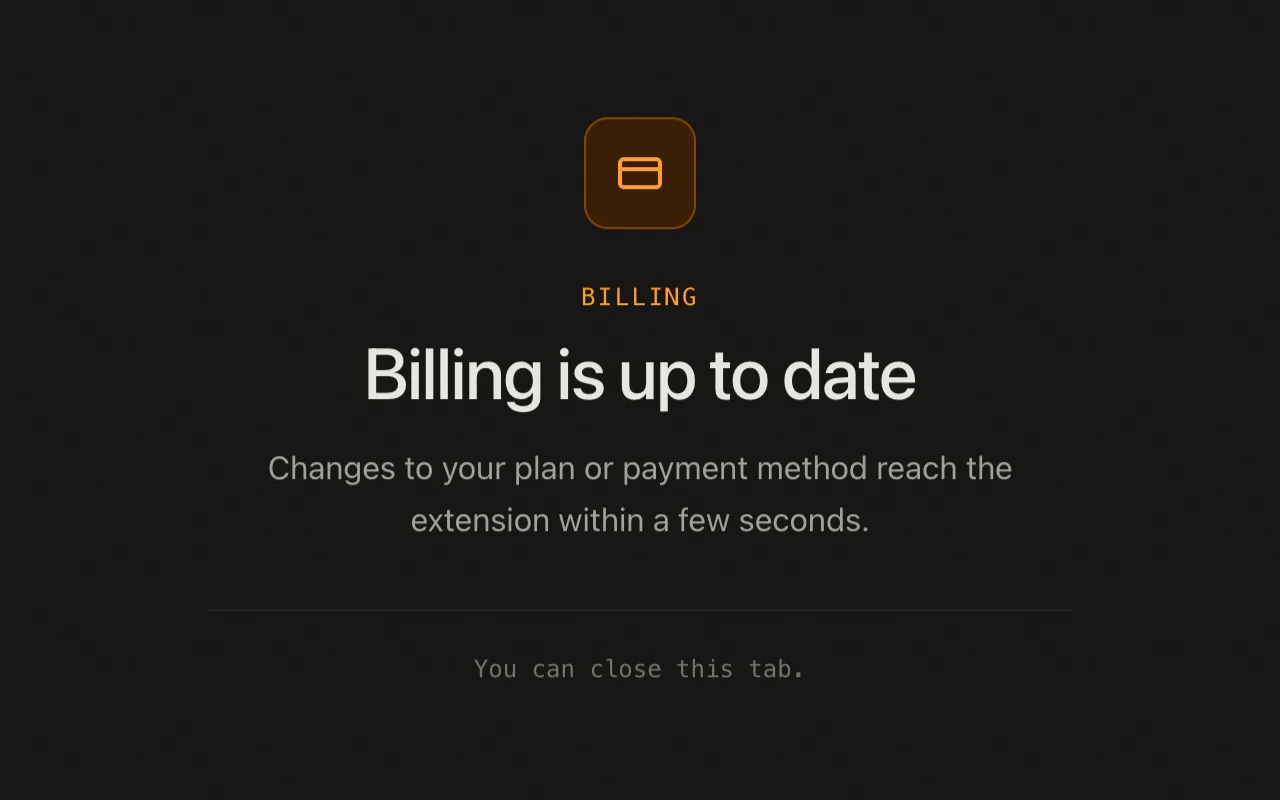
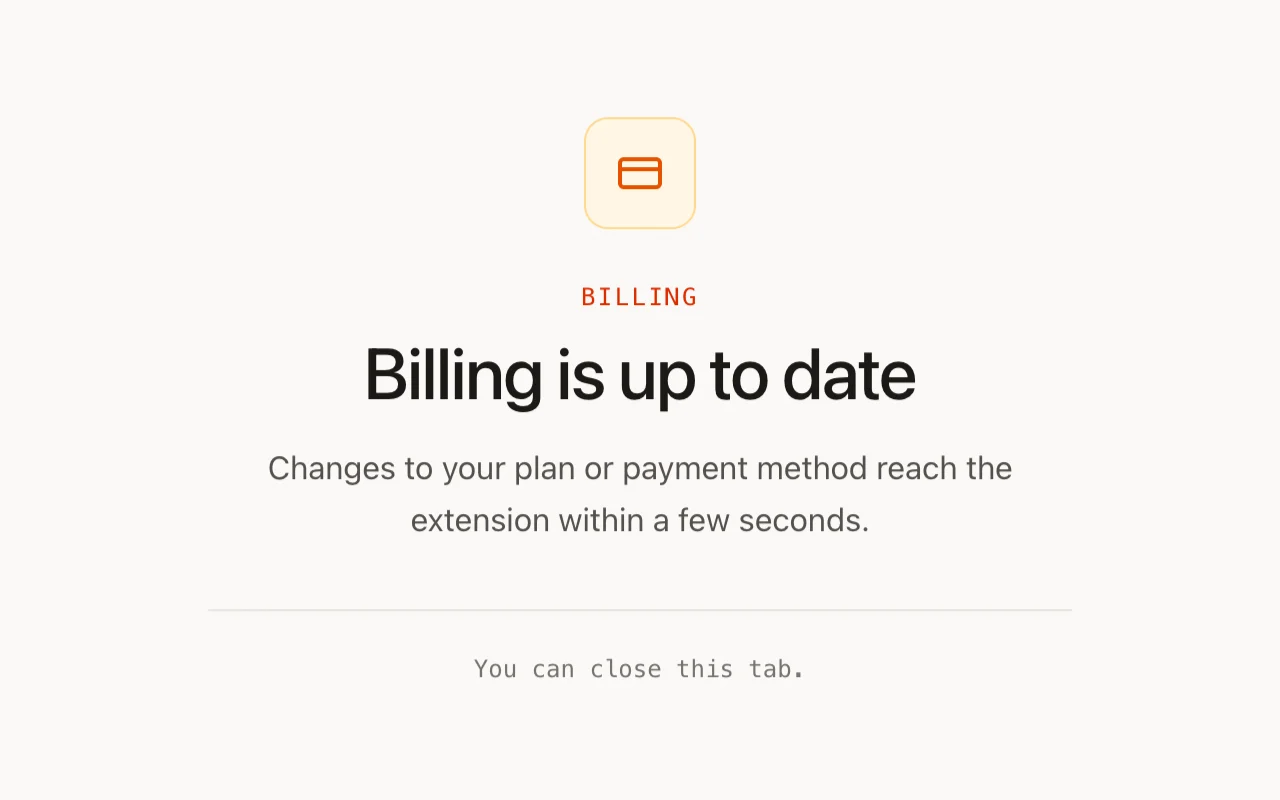
Back from billing
After a plan or payment method change in the provider's billing portal.
-
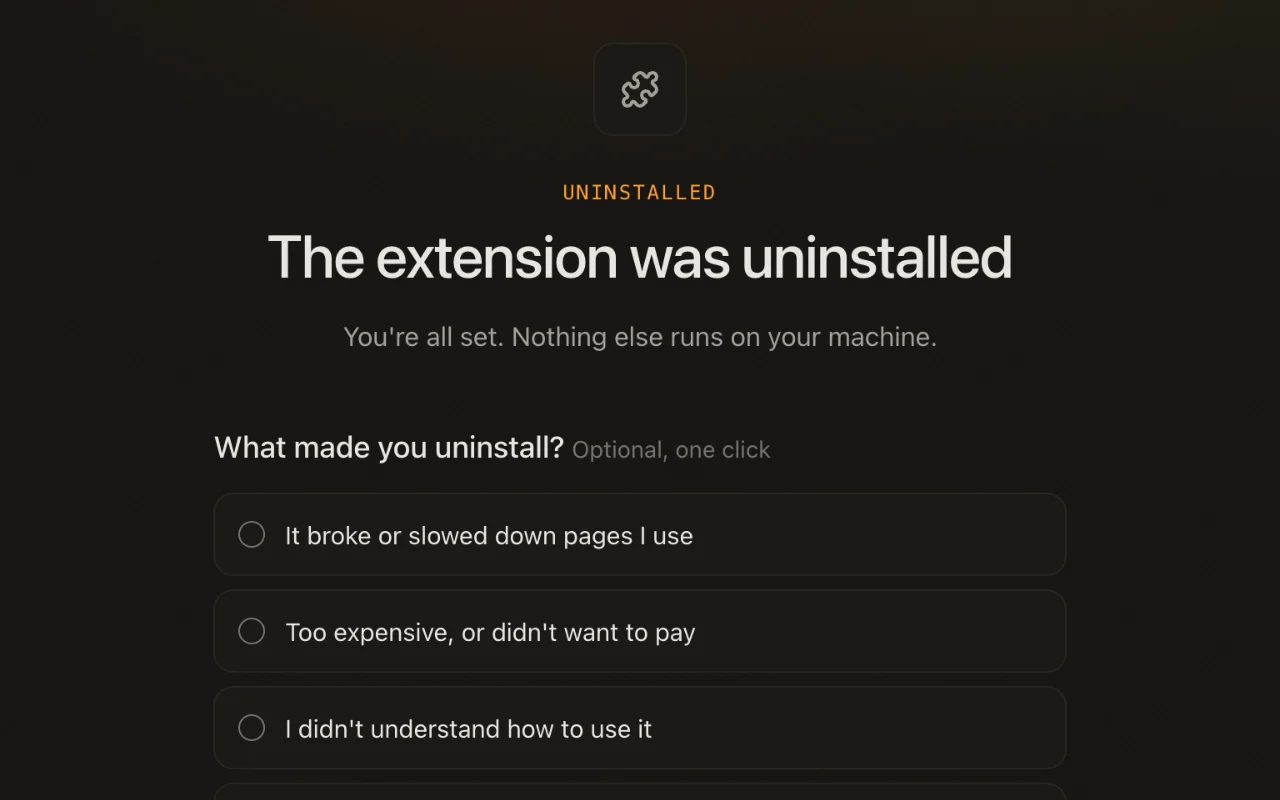
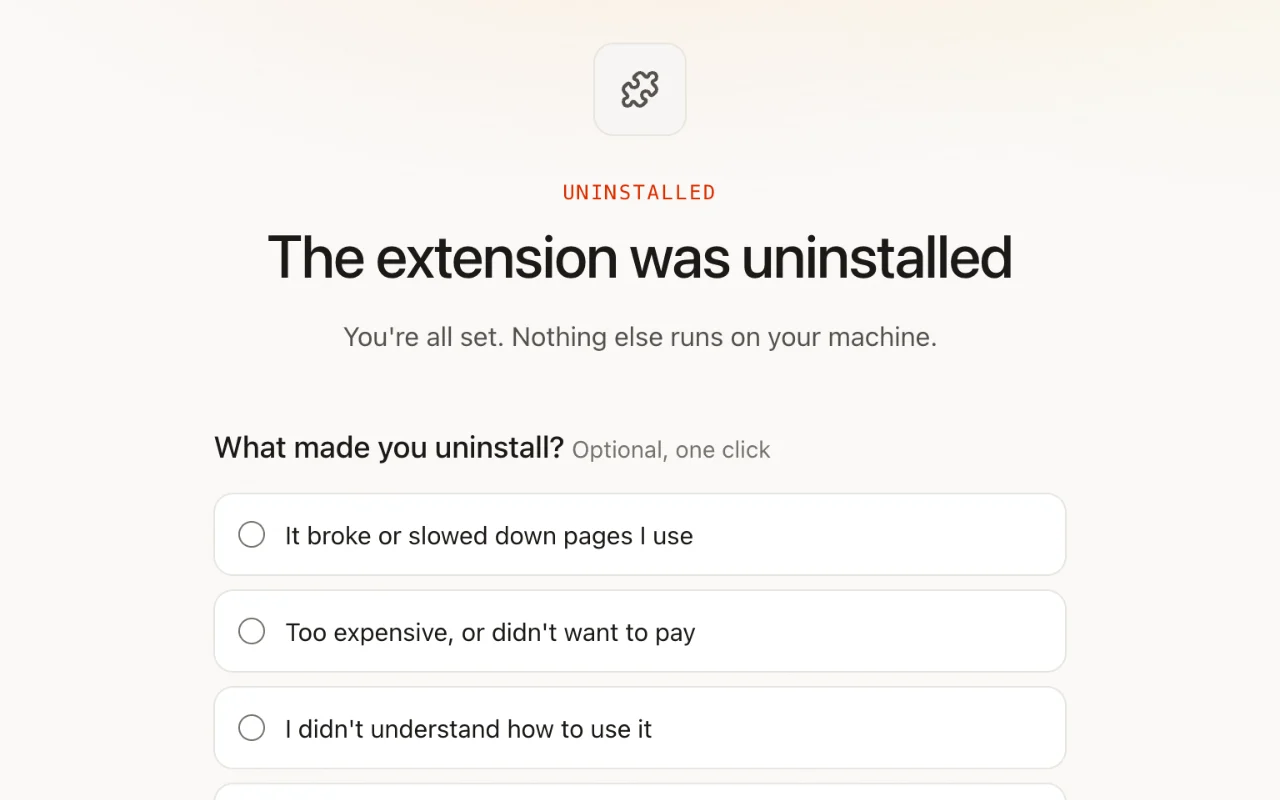
Uninstall survey
One optional, anonymous question. Paying users also read that uninstalling does not cancel their plan, and a reinstall link shows once your listing is live.
14 of the kit's 117 screens. The other 103 cover every paywall recipe and its walls, each billing model, signed-out, trial and paid account states, the help center, privacy and terms pages, phone layouts, and six color palettes, each in light and dark.
What you'll see
-
The full auth flow
Google sign-in through chrome.identity.launchWebAuthFlow, email/password, and anonymous-first linking; watch a guest account upgrade in place without losing its usage history.
-
Paywall gates in action
Trigger the premium-feature wall, dismiss it, chain into the sign-in wall; the same gate decision renders in the popup, sidepanel, and on the page itself.
-
The on-page status card
A real shadow-DOM surface on live pages: the plan chip, the free action with its count, the Pro action with its lock, and the wall raised in place when the allowance runs out, while the host page's CSS tries and fails to break it.
-
Theming
Light, dark, and follow-the-OS across every surface, including content-script UI, where the host page's classes must never decide the theme.